New Requested Feature: Multi-Add Learn More
The full text of the question, answer, and tags fields are indexed. Gimlet's search syntax supports many special characters, too:
| Operator | Example | Definition |
|---|---|---|
| + | AND operator | |
| | | book | magazine | OR operator |
| - | maple -tree | NOT operator |
| " | "George Washington" | phrase search |
| * | conclu* | wildcard |
| ( and ) | (phone | mobile) +call | group order precedence |
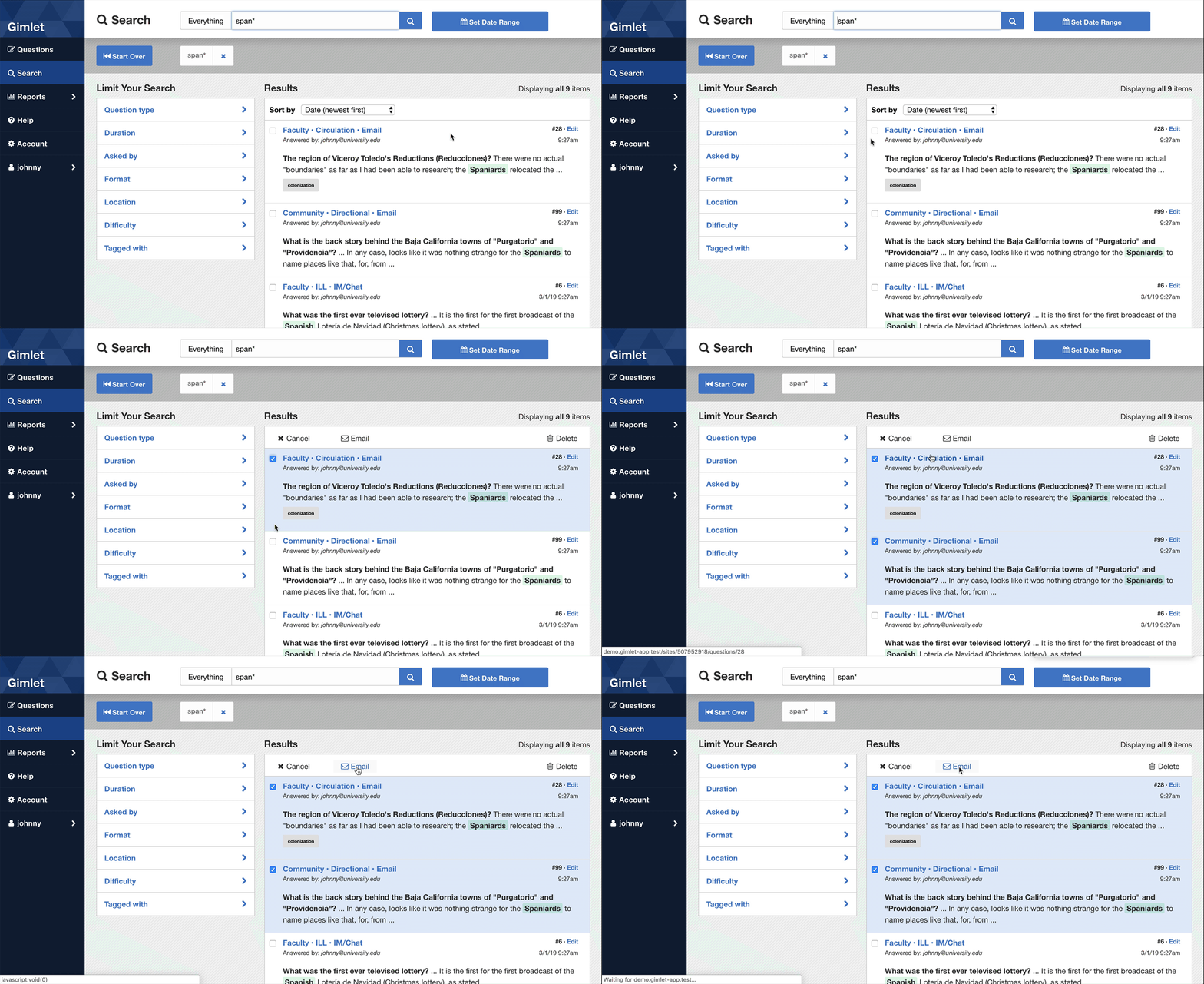
On a result set, select the checkboxes for the questions you want to email. At the top of the search results list, you'll see an "Email" link.
Some questions aren't worth recording in full detail, but you want to record that the question was asked to keep good statistics. Tagging helps condense the effort to record these transactions. For example, if many people are asking about your business hours, you might tag these Q&As as "business_hours".
Are you beginning a new service or throwing a party soon? Create a unique tag for the product or event (ex. "Orientation_2019") and use it each time someone asks a related question. This helps track the number of Q&As surrounding your next big to-do.
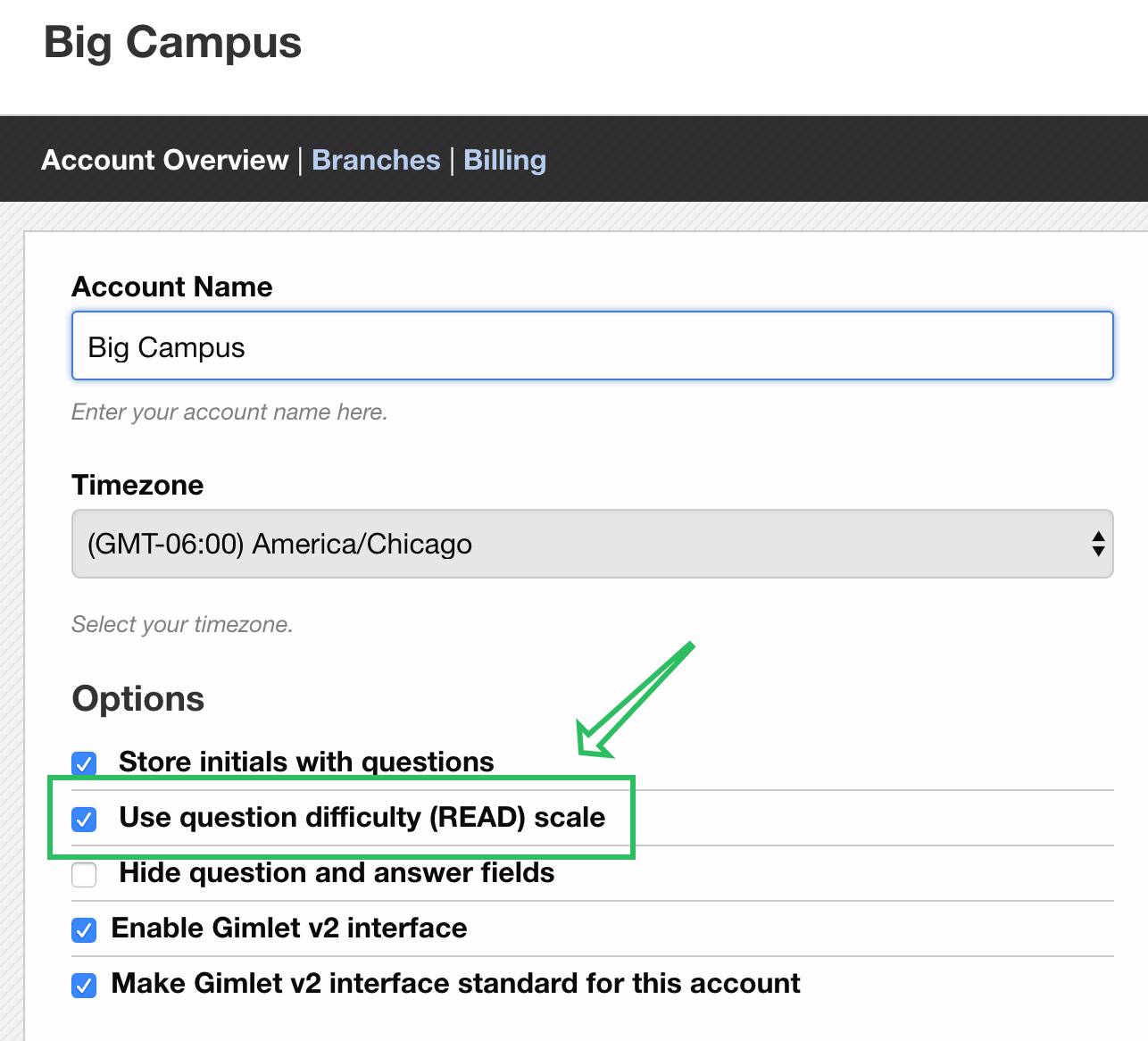
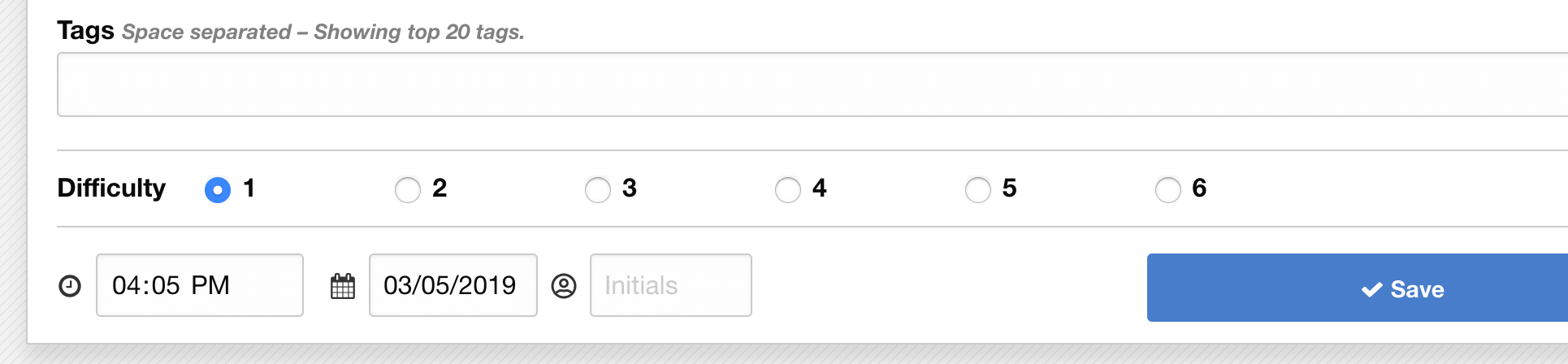
Gimlet offers an optional scale for recording the "difficulty" of questions. It's modeled on the READ Scale commonly used in Libraries.
To measure difficulty, your account administrator needs to enable this option on the "My account" screen.